Work with AI, and understand each step.
Lessons start in Claude. You use AI to draft, design and build, and each lesson explains the reasoning so you can check what it made and decide what to keep.

Design, build and launch the Vendow website. Then design its booking product, and apply your skills to Margin, a fictional store for digital products. Work with AI, understand its output and learn how to check what you make.
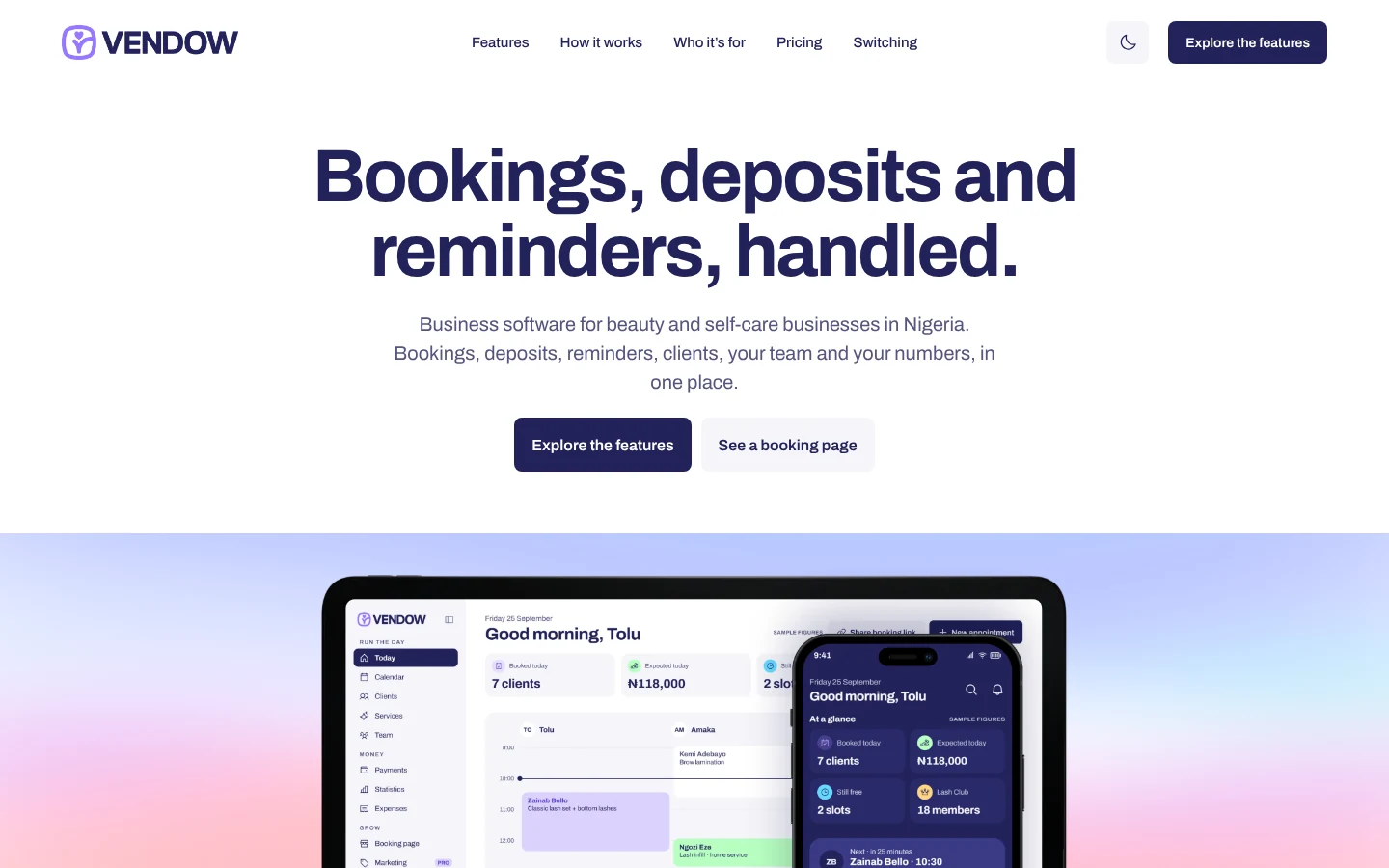
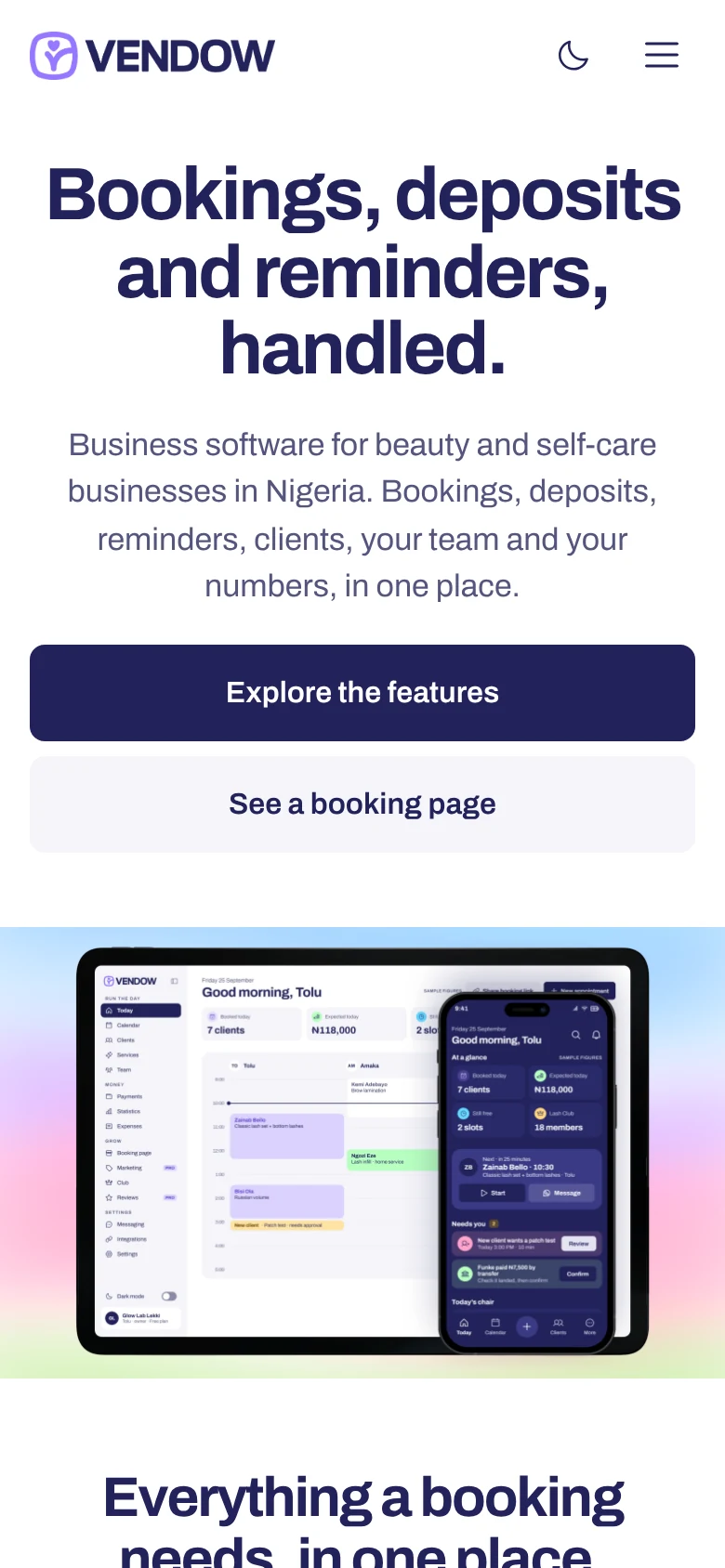
An introduction to the course will be added here.
Start with the Vendow website. The booking product continues it, and Margin is an additional ecommerce project you can take on afterwards.
Create a complete marketing website, with responsive pages, light and dark themes, and a published practice version.
Design a booking flow and an owner’s admin, with clear screens for accounts, bookings and status updates.
Continues the website journey. Bring the website’s design system and the supplied product brief.
Build a storefront with product pages, checkout, returning access and protected downloads.
An additional project after the website journey. It includes the lessons on data, accounts, permissions and APIs that the connected store needs.
Each lesson is one readable page with section links. Read the explanation, try it in your project, then check what you made.
Lessons start in Claude. You use AI to draft, design and build, and each lesson explains the reasoning so you can check what it made and decide what to keep.
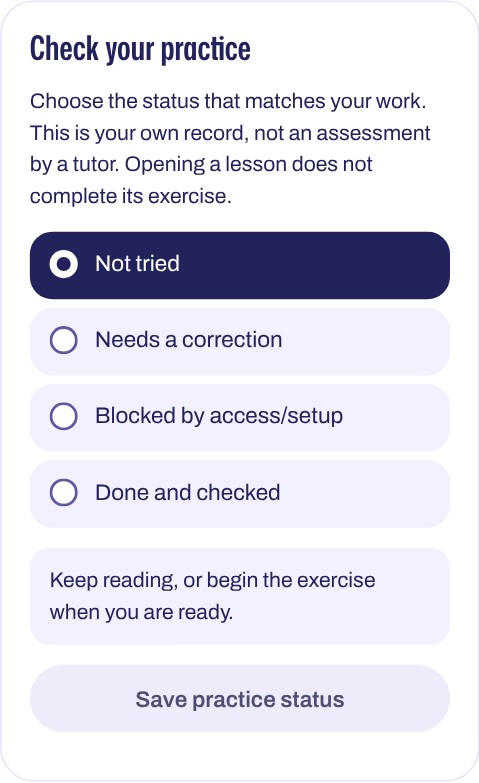
Choose the status that matches your work. This is your own record, not an assessment by a tutor. Opening a lesson does not complete its exercise.
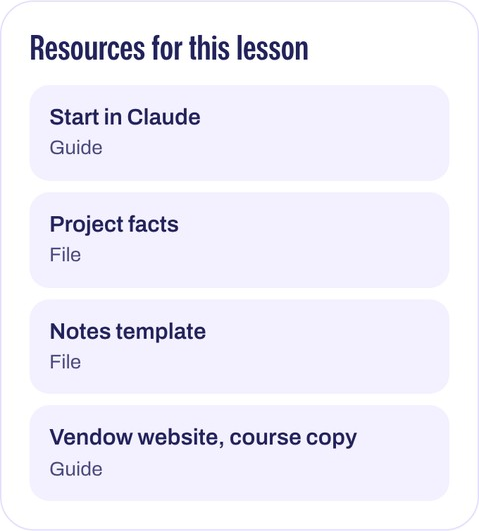
Keep your project files in the folder where you saved them. Course progress does not copy those files between devices. No paid subscription or upload is required.
See how Femigrey approached real design and build decisions, then apply the same reasoning to your own work.
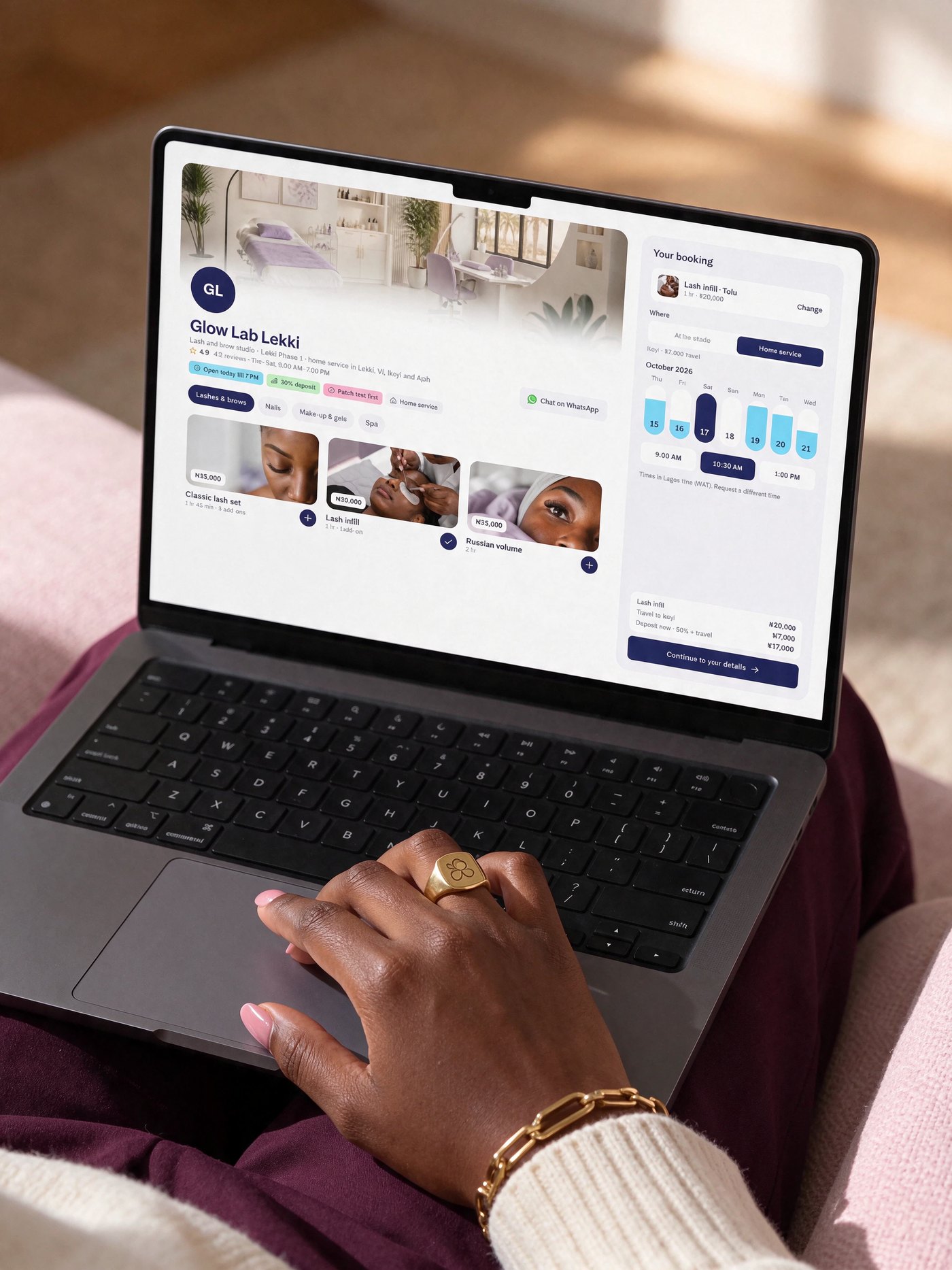
Vendow. Research and a written brief before any canvas, review notes turned into rules, a typeface checked everywhere it lands.
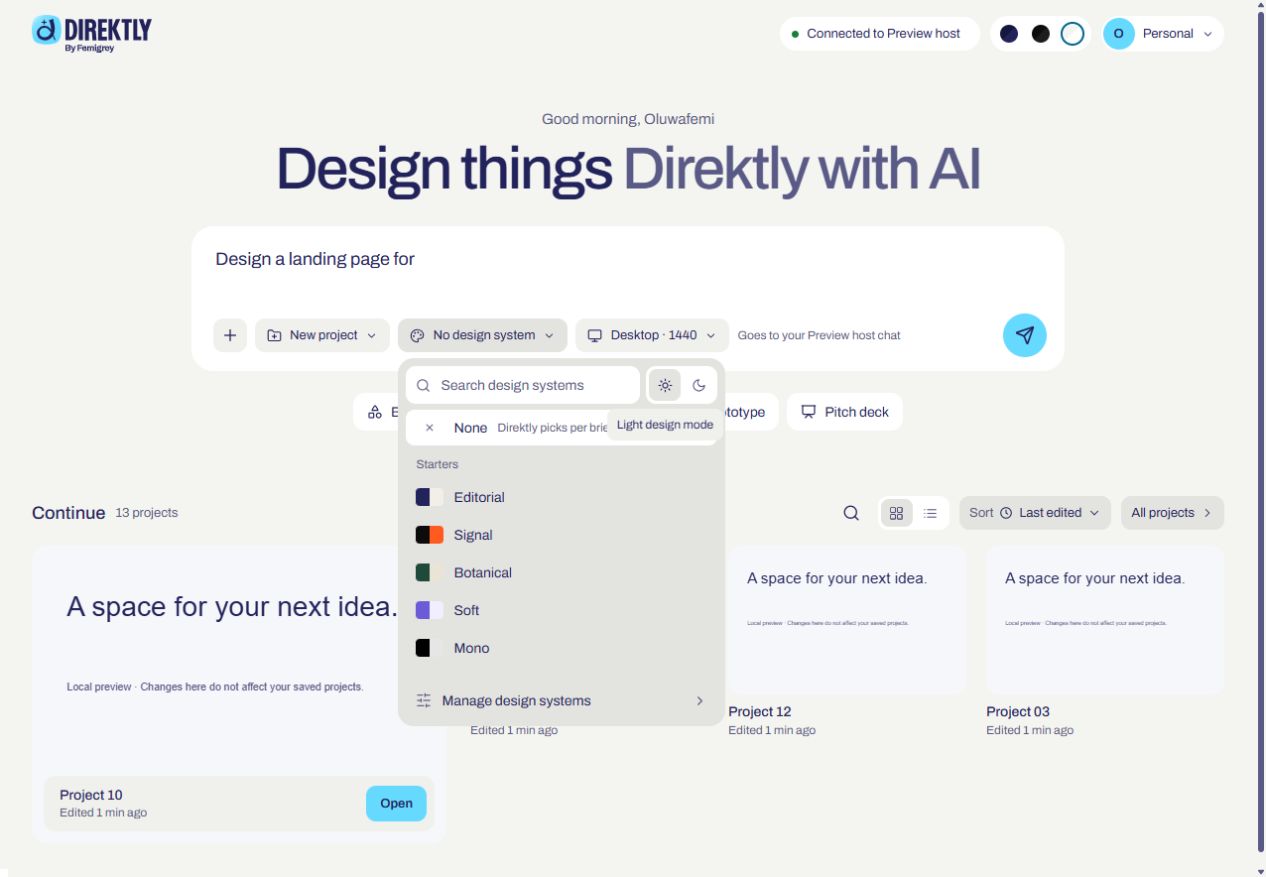
Direktly. A clear workspace, controls that stay consistent across themes, and recovery designed all the way back to the saved work.
femigrey.com. Positioning, type, colour, spacing, rules for every screen width, and the build.
One purchase, one account. Read lessons anywhere; do the building on a computer.
Choose a group, then a question. Something else? Ask us.
Beginners, designers, and founders who want to take a small product from an idea to something people can use. Everyone starts with the same main project, the Vendow marketing website. You then design the Vendow booking product, and Margin, a digital products store, is an additional project. You can open any lesson, but later lessons build on earlier ones.
No. The first lessons start in Claude in your browser, with a brief and supplied facts; a code editor is not required. If you already design or code, you will move faster through what you know.
A computer with a web browser and an internet connection for the practical work: building, testing, and publishing happen on a computer. You can read lessons on a phone or tablet. Start with the free routes; paid options are explained where they may help. The free tools page compares them.
How to plan a useful experience, make design decisions you can explain, work with AI without losing control of the work, build and launch a website, design a booking product and its states, then apply the process to Margin, a new brief.
No paid subscription is required to start; the first lessons use Claude with your own account. Live database, hosting and MCP work later need suitable account access. Where a paid plan may help, the lesson says why.
In your own tools, on your computer and in your own free accounts. Nothing is uploaded to the course. You record your own practice status, and you can keep notes beside each lesson.
The course is AI-assisted. You learn to use an AI assistant as a collaborator: to draft, design, write code, find bugs, and suggest tests, while you set the job, check the result, and decide. Lessons explain the reasoning behind each step, so you understand the work rather than only accepting it. Some lessons also include a manual route.
No. The course is self-guided. Each lesson tells you how to check your result, and you record your own practice status. It is not an assessment by a tutor.
The price is shown at checkout in the currency you choose, before you pay. You pay on Stripe’s or Paystack’s own secure page.
Once the payment is confirmed, we email you a 6-digit code to confirm your email. Enter it and the course is unlocked. There is no activation code to keep.
Enter your email. We send a sign-in link and a 6-digit code; either works. There is no password to remember.
Use Get help with the email you bought with and your order reference, if you have it. Give us an email where we can reach you. We’ll check ownership before changing the account email; your progress stays with the account.
Refund terms are shown at checkout, before you pay. For a question about an order you’ve made, ask through Get help with your order reference.